How to Butterfly Click & Jitter Click + Free CPS Test
If you’ve hit a wall with normal clicking, there are two techniques that can take you well past it: jitter clicking and butterfly clicking. Both can roughly double the speed of a regular one-finger click, both work on almost any mouse, and both can be learned in a week or two of short practice.
They work in completely different ways, though, and they suit different hands. Jitter clicking turns your arm into a vibrating motor. Butterfly clicking splits the work between two fingers. This guide explains each one step by step, compares them side by side, and shows you how to use a free CPS test to see which one actually works better for you.
Jitter vs butterfly at a glance
| Jitter clicking | Butterfly clicking | |
|---|---|---|
| How it works | Tensed forearm makes one finger vibrate on the button | Two fingers alternate on the same button |
| Typical speed | 10 to 14 CPS | 12 to 16 CPS |
| Hardest part | Holding the tension without cramping | Keeping the two fingers in rhythm |
| Strain on your arm | High | Low to moderate |
| Aim while clicking | Hard, the mouse shakes | Easier, your hand stays still |
| Mouse needs | Almost any mouse | Works best with a short debounce |
| Good for | Short bursts | Longer runs |
Both are much faster than regular clicking, which sits at about 5 to 8 CPS for most people. If you want to know where you stand before you start, take a 10-second run on the CPS test with your normal click. That’s your baseline.
How to jitter click
Jitter clicking uses muscle tension instead of finger movement. You tense your forearm until it starts to shake, and you let that shake press the mouse button for you. It’s the same tremor you get when you hold a heavy object at arm’s length for too long, just aimed at a mouse.
Step 1: Set up your grip
Use a claw grip or a fingertip grip: your palm raised off the mouse and your index finger arched over the left button. Rest the side of your hand or your wrist lightly on the desk. Your finger should sit on the front half of the button, where the press is shortest.
Step 2: Tense your forearm
Tighten the muscles in your forearm and wrist, as if you were making a fist without closing your hand. Keep your finger in contact with the button. After a moment you should feel a slight tremble start.
Step 3: Let the shake do the clicking
Push the tension a little further until the tremble turns into a steady vibration in your finger. Each shake should press the button. You’re not trying to move your finger up and down on purpose. You’re letting the vibration move it.
Step 4: Keep it short
Jitter clicking is tiring. Most people can hold it for 5 to 10 seconds before their speed drops off. Train in short bursts, with a full rest between them.
Step 5: Take a jitter click test
Open the CPS test, pick 10 seconds, and jitter click through the whole run. Ten seconds is long enough to show whether you can hold your speed, which is the real challenge with this technique.
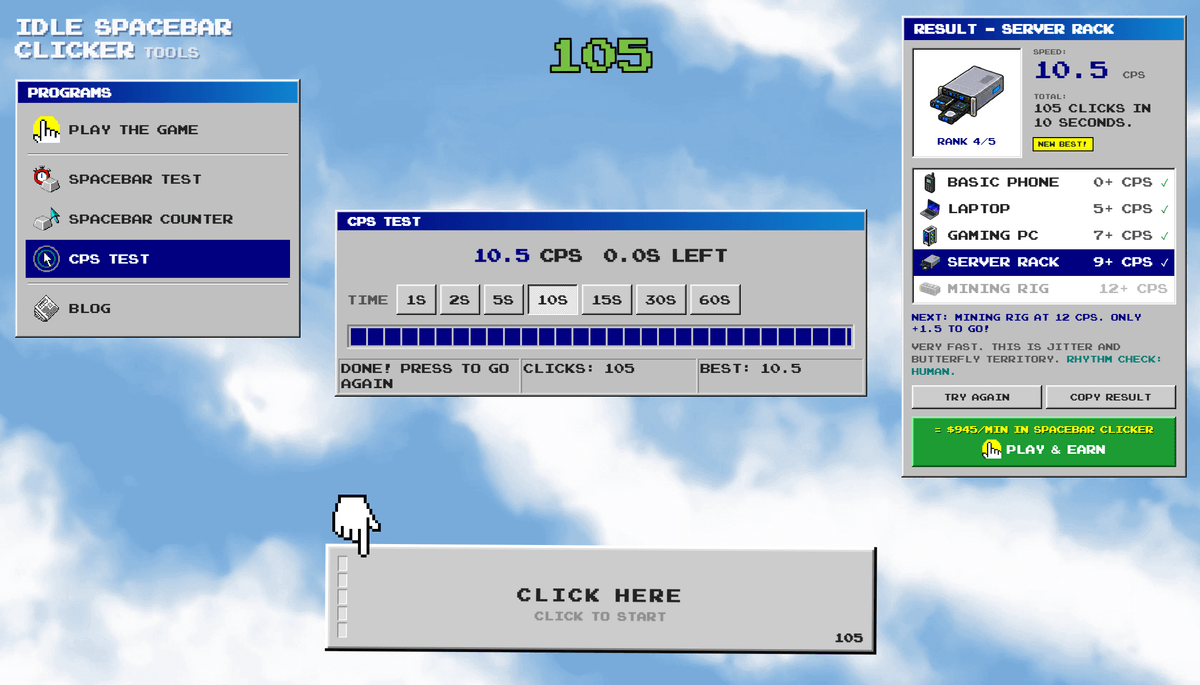 A 10-second jitter run at 10.5 CPS: Server Rack rank, one step below the top.
Jitter clicking tips
- Tension, not force. Tension in your arm makes the vibration. Pressing hard into the mouse just slows it down.
- Don’t hold your breath. Many people do without noticing, and it makes the run harder.
- Try different spots. Moving your finger forward or back on the button changes how the vibration lands.
- Stop if it hurts. A tired arm is normal. Pain, tingling or numbness are not. Take a break of at least a day.
How to butterfly click
Butterfly clicking uses two fingers on the same mouse button, usually the index and middle finger. They take turns pressing, like the wings of a butterfly, so each finger only has to click half as often. Your hand stays relaxed and still, which is why many players find it easier to keep up than jitter clicking.
Step 1: Put two fingers on one button
Place your index finger and middle finger side by side on the left mouse button. Your ring finger and thumb hold the mouse steady. If the button is narrow, angle your hand slightly so both fingertips fit.
Step 2: Alternate slowly
Tap with your index finger, then your middle finger, then your index again. Start slow, at a rhythm you can keep perfectly even. Think of drumming two fingers on a table.
Step 3: Speed up gradually
Once the rhythm is even, push the pace a little. Keep your wrist relaxed and let the movement come from your fingers only. If the two clicks start landing at the same moment, slow down. Clicks that hit together count as one.
Step 4: Find your fastest steady pace
The goal is the fastest speed you can hold without the rhythm falling apart. For most people who practice, that ends up somewhere between 12 and 16 clicks per second.
Step 5: Take a butterfly click test
Open the CPS test, pick 5 seconds and butterfly click through the run. Then try 10 seconds. Comparing the two shows how well you hold your pace.
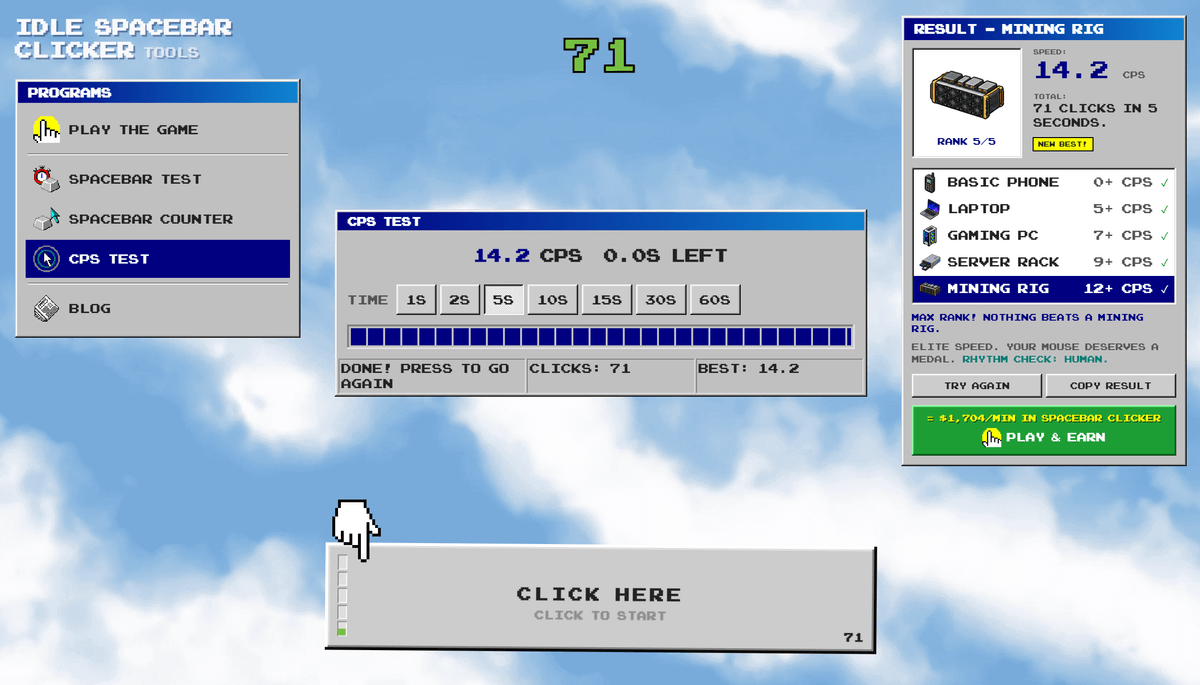 A 5-second butterfly run at 14.2 CPS. That’s Mining Rig, the top rank on the test.
Butterfly clicking tips
- Even beats fast. A steady 12 CPS will score better over 10 seconds than a sloppy 15 that falls apart.
- Mind the debounce. Mice ignore very fast repeat signals for a few milliseconds. If your two fingers land too close together, the mouse may only count one click. Some gaming mice let you adjust this in their software.
- Try different finger pairs. Index and middle is the most common, but some people get better results with middle and ring.
- Use it on touch screens too. The same idea works on a phone: alternate two fingers or two thumbs on the button.
Which one should you learn?
Learn butterfly clicking if:
- you want something you can hold for 10 seconds or longer
- you need to aim while clicking
- jitter clicking makes your arm sore
Learn jitter clicking if:
- your mouse has a long debounce that eats butterfly clicks
- you only need short, sharp bursts
- you find it hard to coordinate two fingers
Or learn both and test them against each other. Use the same test length for both, take three runs each, and compare the middle results. Your saved best score on the test is kept separately for every length, so you can track each technique over the days you practice.
If neither feels right, there’s a third option that’s faster than both: drag clicking. It depends heavily on your mouse, though, so it’s worth checking first.
How to tell if your rhythm is improving
Speed isn’t the only thing to watch. After every run of 8 clicks or more, the CPS test does a rhythm check. It measures the gaps between your clicks and tells you whether they look human or machine-like.
Real fingers are never perfectly even, so a human result is normal and expected. What you can watch for is your speed staying close between short and long tests. If you score 14 CPS over 5 seconds but only 9 over 10, your technique is fine and your stamina is the thing to train.
Are jitter and butterfly clicking safe?
Both are safe in moderation, and both can cause trouble if you overdo them.
Jitter clicking puts sustained tension on your forearm and wrist, which is the kind of load that can lead to strain if you repeat it for long periods. Butterfly clicking is gentler, because your fingers do the work while your arm stays relaxed.
Simple habits keep it safe:
- Keep sessions short, with real breaks between runs.
- Stretch your fingers, wrists and forearms before and after.
- Stop at the first sign of pain, tingling or numbness.
- Don’t practice through soreness from the day before.
Using your speed in Spacebar Clicker
These techniques were made for the mouse, but the same ideas work on the big Spacebar button in Spacebar Clicker. On a keyboard, the butterfly idea becomes drumming two or three fingers on the space bar. On a phone, it’s two thumbs taking turns.
In the game, a five-bar speed meter multiplies every click when you go fast: x1.3 from 4 per second, x1.5 from 7, x2 from 12, x3 from 16 and x4 from 19. A good butterfly rhythm keeps you at two or three bars without wearing you out. And since your devices keep earning while you rest, short bursts are all the game ever asks for.
Want to test your keyboard speed instead of your mouse? The spacebar test works the same way, with presses of the space bar instead of clicks.
Quick answers
How do you butterfly click? Put your index and middle fingers on the left mouse button and tap with them in turn, like drumming on a table. Start slow, keep the rhythm even, then speed up.
How do you jitter click? Tense your forearm and wrist until your hand starts to vibrate, and let that vibration press the mouse button. Keep runs short, because it tires your arm quickly.
Which is faster, jitter or butterfly clicking? Butterfly clicking usually reaches a little higher, around 12 to 16 CPS, against 10 to 14 for jitter clicking. It’s also easier to keep up for longer.
Is jitter clicking bad for you? It puts a lot of tension on your arm and wrist. Keep sessions short, take breaks and stop if you feel pain or numbness.
Why does butterfly clicking not work on my mouse? Many mice ignore clicks that come too close together. If your two fingers land almost at once, only one click counts. Try a slightly slower, more even rhythm.
How can I test my jitter or butterfly clicking? Use the free CPS test. Pick 5 or 10 seconds, click with your technique and compare your clicks per second and rank.
Start practicing
Pick one technique, open the CPS test and do three short runs today. Come back tomorrow and do it again. Within a week you’ll know which technique suits your hand. When you want somewhere to use that speed, Spacebar Clicker is free to play in your browser.