Average Clicks Per Second: Good CPS & World Record CPS
You’ve taken a click speed test, you’ve got a number, and now you want to know: is that good? The honest answer is that “average CPS” depends on three things most people never think about. How long the test lasted, how you clicked, and what you clicked with.
A 1-second burst and a 60-second run measure different things. A mouse and a space bar give different numbers. Regular clicking and butterfly clicking aren’t even close. This guide breaks the averages down by all three, explains what counts as a good score in each case, and clears up what’s real and what’s not about record CPS numbers you see online.
If you want your own number before you read on, take a 10-second run on the free CPS test. It takes ten seconds, and it’ll make every table below more useful.
The short answer
For regular one-finger clicking with a mouse, over a 10-second test, most people land between 5 and 7 clicks per second. Around 6 CPS is a fair average.
Everything else on this page is about how that number shifts when you change the test.
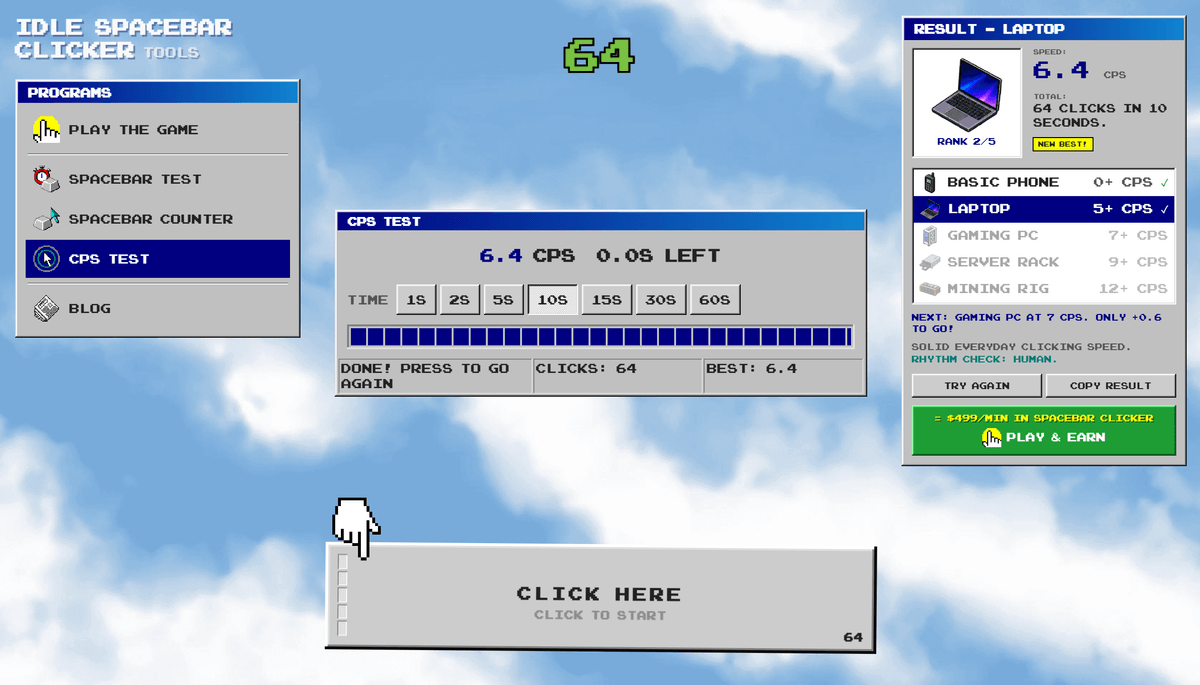 A typical result: 6.4 CPS over 10 seconds with regular clicking. That’s the Laptop rank on our test.
Average CPS by test length
Test length changes your score more than anything else. Almost anyone can click fast for a second. Very few people can hold the same speed for a minute.
| Test length | Typical regular-click CPS | What it measures |
|---|---|---|
| 1 second | 7 to 10 | Pure burst speed |
| 5 seconds | 6 to 8 | Short sprint |
| 10 seconds | 5 to 7 | The usual benchmark |
| 30 seconds | 5 to 6 | Stamina starts to matter |
| 60 seconds | 4 to 6 | Endurance |
That’s why a 1-second score always looks impressive and a 60-second score always looks a bit disappointing. Neither is wrong. They just answer different questions.
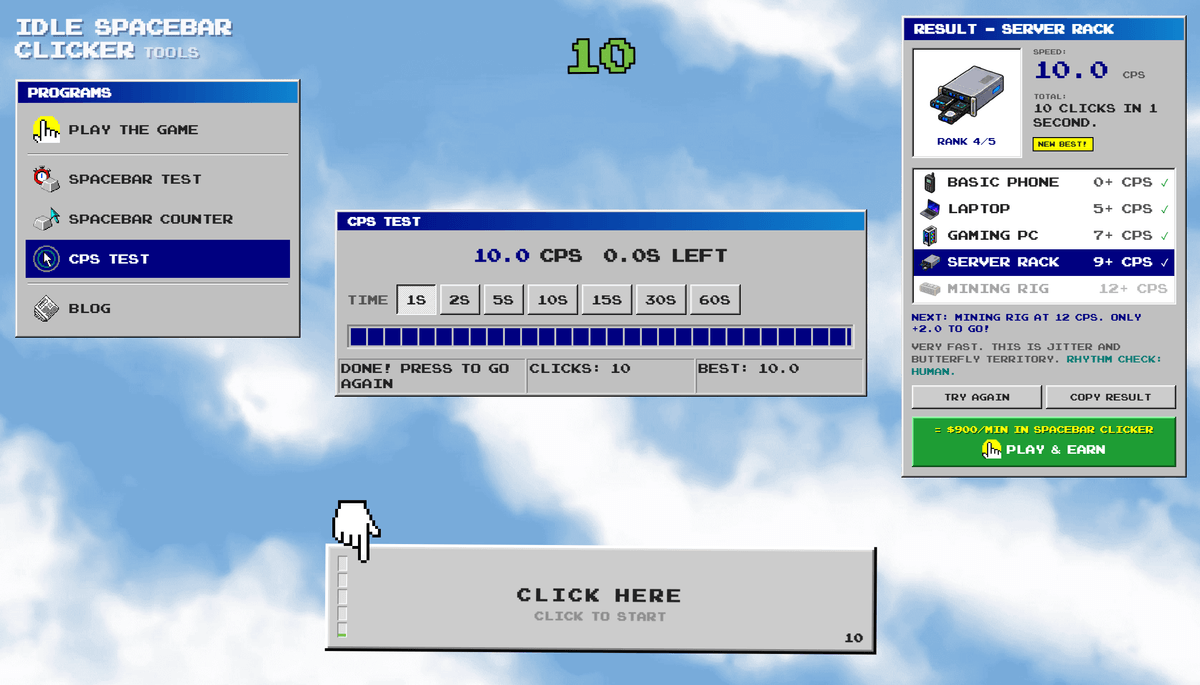 The same hand over 1 second: 10 clicks, 10.0 CPS and a rank two steps higher. Short tests always flatter you.
There’s also a small quirk in very short tests. In a 1-second test, one extra click changes your result by a full 1.0 CPS. In a 10-second test, it changes it by only 0.1. That’s another reason 10 seconds is the standard: it’s long enough to be fair and short enough to stay fun.
The rule of thumb: only compare scores taken over the same length. Our CPS test keeps a separate best score for each length for exactly this reason.
Average CPS by technique
The way you click is the second big factor. Here’s what people typically reach over 5 to 10 seconds with each technique:
| Technique | Typical CPS | Notes |
|---|---|---|
| Regular clicking | 5 to 7 | One finger, one button |
| Fast regular clicking | 8 to 10 | Practiced, relaxed hand |
| Jitter clicking | 10 to 14 | Tensed arm vibrates the finger |
| Butterfly clicking | 12 to 16 | Two fingers take turns |
| Drag clicking | 20 and up in bursts | Friction makes the finger skip |
So a score of 12 CPS is outstanding for regular clicking, normal for butterfly clicking, and low for drag clicking. When someone shares a CPS score, it’s worth asking how they clicked.
Want to try the faster techniques? We have step-by-step guides for jitter and butterfly clicking and for drag clicking.
Average CPS by device
What you click with matters too.
Mouse. The numbers above are for a mouse. A good mouse helps a little, mostly with the advanced techniques.
Space bar. The space bar is big enough to drum on with two or three fingers, so a practiced player can match or beat their mouse speed. With one finger it’s usually a little slower than a mouse. Over 10 seconds, most people press it about 6 to 8 times per second with their best technique.
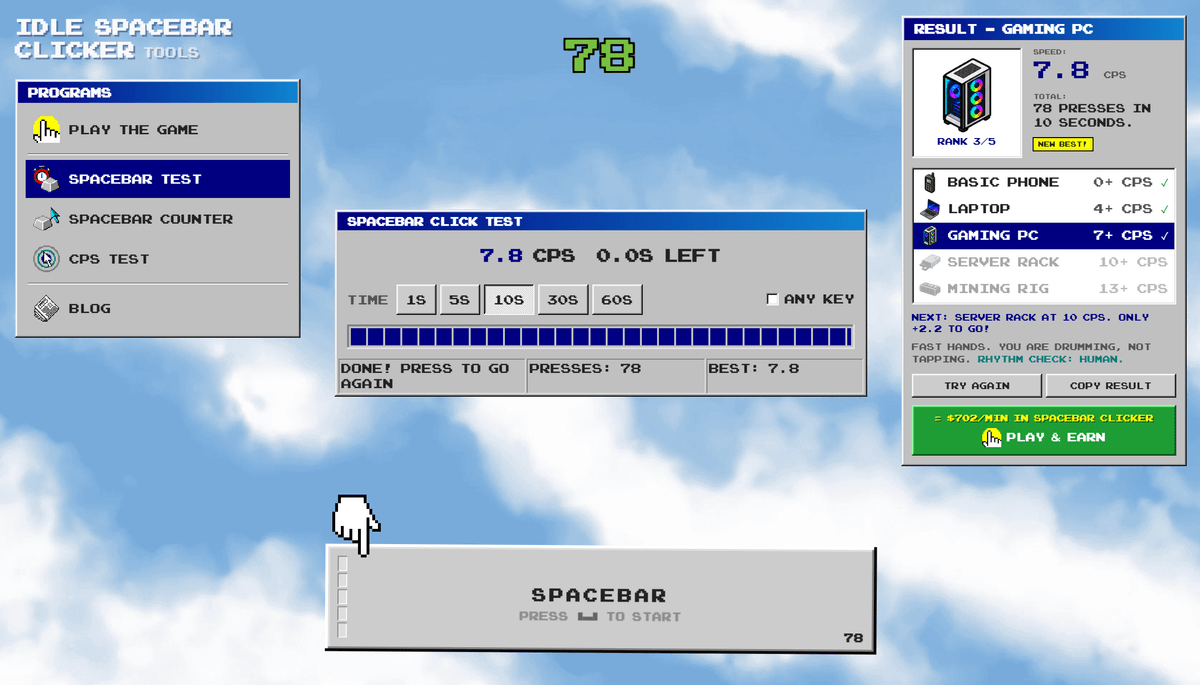 A 10-second run on the spacebar test: 7.8 presses per second, Gaming PC rank.
Touchpad. Usually the slowest option, because the tap has to be recognized before the next one counts. Expect a few clicks per second less than a mouse.
Touch screen. Can be surprisingly fast. With two thumbs or several fingers taking turns, many people beat their mouse score.
If you want to test the space bar specifically, use the spacebar test. It works the same way as the CPS test, with presses instead of clicks.
What counts as a good CPS?
With all that in mind, here’s a fair way to rate a 10-second score with regular clicking:
| CPS over 10 seconds | Rating | Rank on our test |
|---|---|---|
| Under 5 | Relaxed | Basic Phone |
| 5 to 7 | Average | Laptop |
| 7 to 9 | Good, faster than most | Gaming PC |
| 9 to 12 | Very fast, technique territory | Server Rack |
| 12 and up | Elite | Mining Rig |
Our test uses these same bands for its five ranks, named after the devices in Spacebar Clicker. After every run it tells you how far you are from the next one.
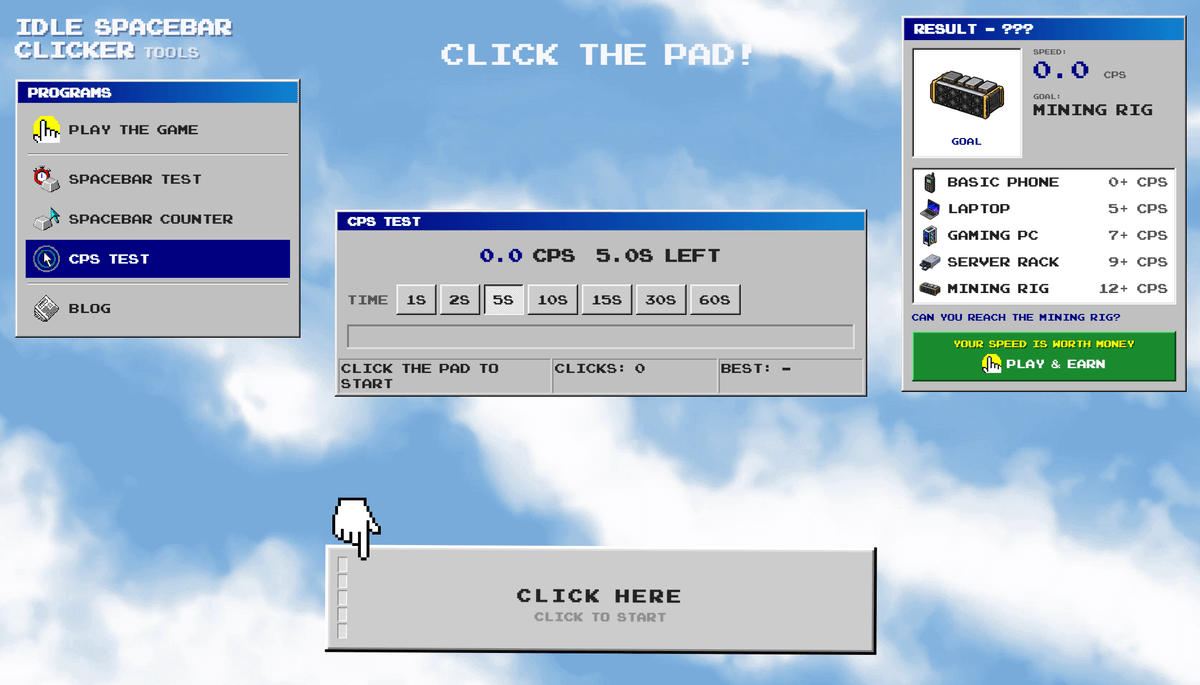 Before a run: pick a length, then click the pad. The five ranks on the right go from Basic Phone to Mining Rig.
What about the world record CPS?
You’ll find all kinds of record claims online, from 20 to well over 50 clicks per second. Take them with a pinch of salt. There’s no official body that tracks click speed, tests run on different lengths and rules, and many of the biggest numbers come from drag clicking or from mice whose switches double-click on their own.
What you can say with confidence:
- Sustaining 14 to 16 CPS for 10 seconds is genuinely elite and usually takes butterfly or jitter clicking.
- Drag clicking can briefly go past 20 or 30 CPS, depending heavily on the mouse.
- Anything perfectly even at very high speeds is likely not a human finger. That’s why the CPS test runs a rhythm check after each run and labels results above 25 CPS as “robot”.
The record that matters most is your own. Beat yesterday’s score over the same length, and you’re improving.
How to measure your CPS properly
A single attempt says very little. To get a number you can trust:
- Pick one test length and stick with it. 10 seconds is the best all-round choice.
- Warm up. Your first attempt of the day is almost always slower.
- Do three runs. Take the middle score, not the best one.
- Use the same mouse and technique every time you compare.
- Rest between runs. Ten to twenty seconds is enough.
How to raise your average
- Relax your hand. Tension slows regular clicking.
- Keep your finger close to the button. Only lift it as far as the click needs to reset.
- Learn one technique. Butterfly clicking is the easiest step up for most people.
- Practice little and often. A few short runs a day beat one long session.
- Track your best per length, and compare like with like.
For more tips on keeping speed up, especially on the space bar, see how fast can you click.
Why click speed pays off in Spacebar Clicker
In Spacebar Clicker, every press of the big Spacebar button earns money, and a five-bar speed meter multiplies it when you go fast. At an average 6 CPS you already earn a x1.3 bonus. Hit 12 and it’s x2, and the top of the meter, at 19 per second, pays x4 on every click.
The test result screen shows what your speed would be worth in the game on the free starter phone, so you can see exactly what a faster average means in money. And because devices earn on their own while you rest, you don’t need to hold top speed for long. Short bursts are enough.
Quick answers
What is the average clicks per second? For regular clicking over 10 seconds, most people score between 5 and 7 CPS. About 6 CPS is a fair average.
What is a good CPS? Over 10 seconds, 7 to 9 CPS is good for regular clicking and faster than most people. Above 9 usually takes a technique like jitter or butterfly clicking.
Why is my CPS higher on a 1-second test? It’s easy to hold your top speed for a second. Over longer tests your hand tires and the average drops, so short tests always give higher numbers.
What is the world record for clicks per second? There’s no official record. Claims online vary widely and many come from drag clicking or faulty mice. Holding 14 to 16 CPS for 10 seconds is already elite.
Is a mouse or a space bar faster? With one finger, a mouse is usually a little faster. With several fingers drumming on the space bar, many people match or beat their mouse.
How do I check my CPS? Use the free CPS test for mouse clicks or the spacebar test for the space bar. Pick a time, click until it ends and you get your CPS, rank and rhythm check.
Find your number
Open the CPS test, pick 10 seconds and do three runs. Now you know exactly where you stand against the averages above. When you’re ready to turn that speed into something, Spacebar Clicker is free and runs right in your browser.